Introducing Key Concepts
Presentation

Facilitator Guide
Participant Guide

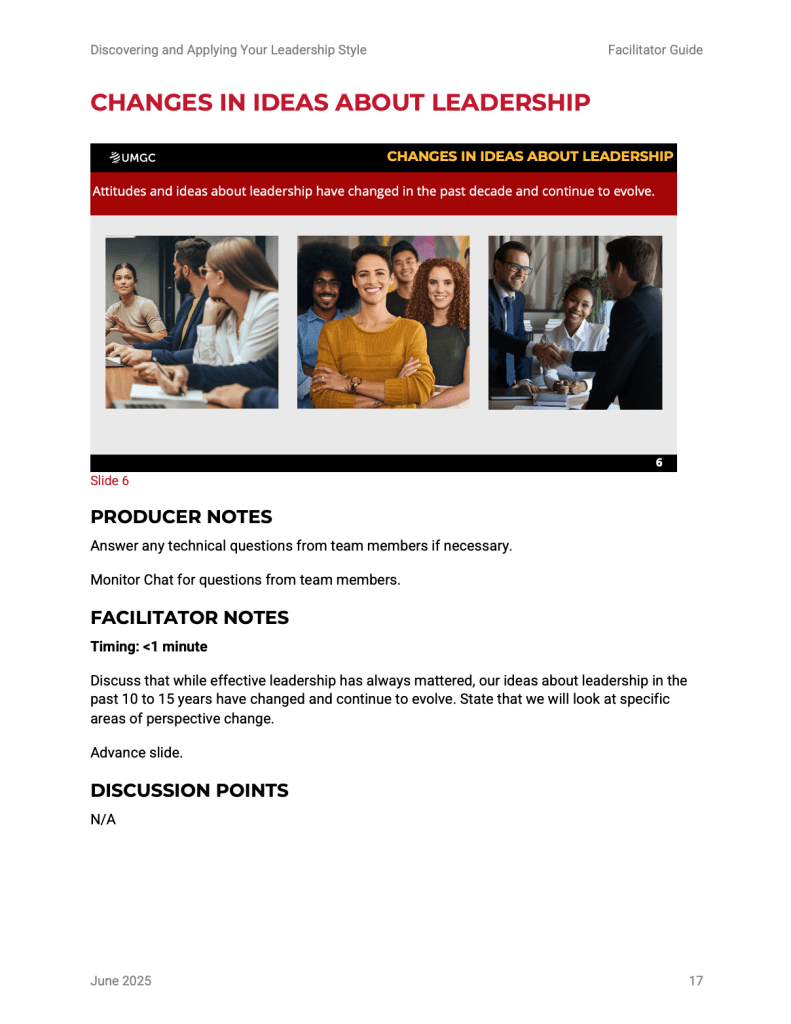
This set of Presentation, Facilitator Guide, and Participant Guide pages introduces a key topic for facilitator-led discussion. The Presentation uses contemporary, diverse, and positive depictions of leadership, with minimal text so the visuals remain the focus. The Facilitator Guide provides timing and talking points while identifying Producer responsibilities, including monitoring the chat and addressing technical questions. Because participants are not completing an activity at this point, the Participant Guide simply includes the corresponding presentation slide.
Social Media Exploration
Presentation
Facilitator Guide
Participant Guide
This set of Presentation, Facilitator Guide, and Participant Guide pages features a “pulse check” on attitudes toward supervisors expressed through social media. Vibrant social media imagery connects the topic to participants’ everyday experiences and bridges personal and professional perspectives. The Facilitator Guide directs the facilitator to play two reels featuring negative views of supervisors and two featuring positive views, providing an engaging springboard for discussion. Because the activity centers on verbal discussion rather than a written exercise, the Participant Guide includes only the corresponding presentation slide.
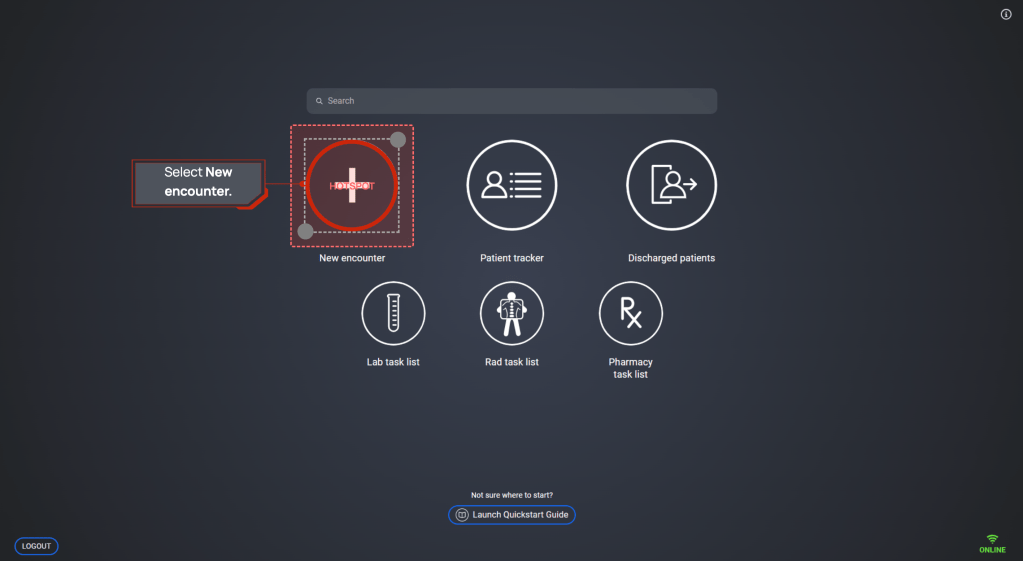
The training simulates the CDP experience using screens that mirror the actual software interface. Learners follow guided prompts and select designated hotspots to progress through realistic software tasks; here, a light-red dotted outline and red border identify the area the learner should select.
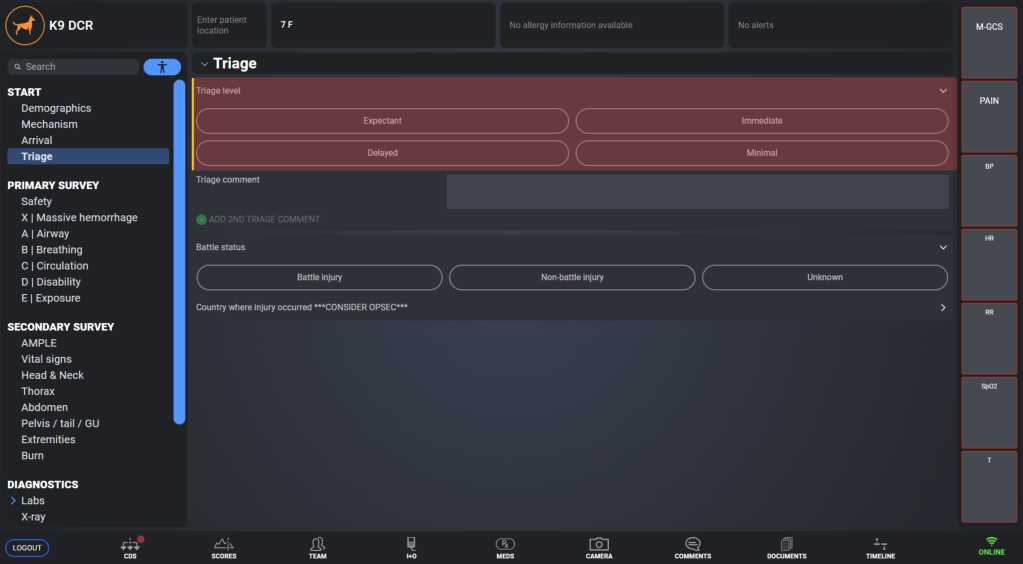
Visual highlights are used throughout the training to direct learners’ attention to the specific interface elements referenced by the narrator. Highlights appear and disappear as needed within a screen, helping learners focus on relevant information as they progress through each task.
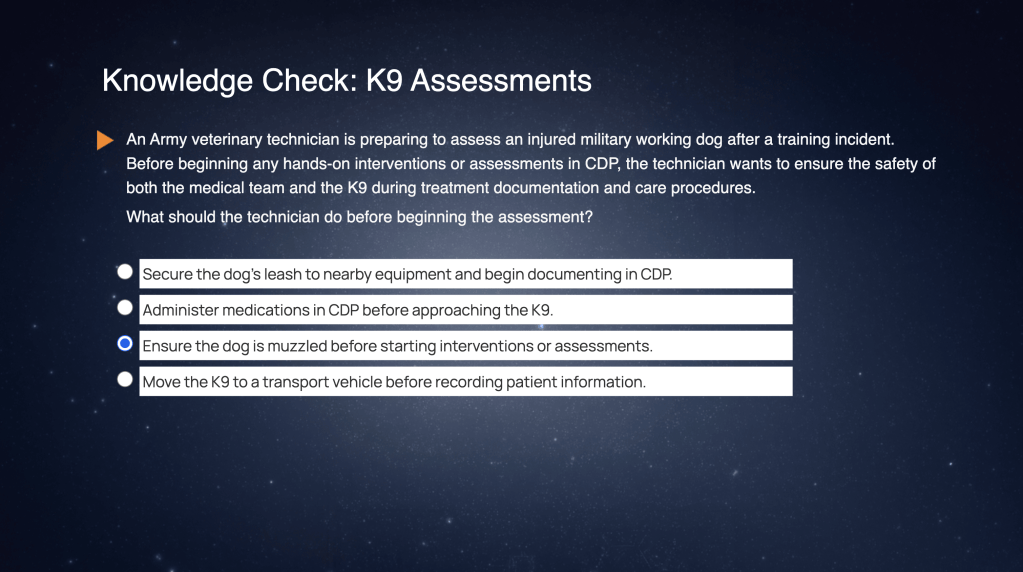
Knowledge checks use brief, realistic scenarios to help learners apply CDP concepts in context rather than relying on simple recall. Feedback is provided for both correct and incorrect responses to reinforce understanding and clarify key concepts.
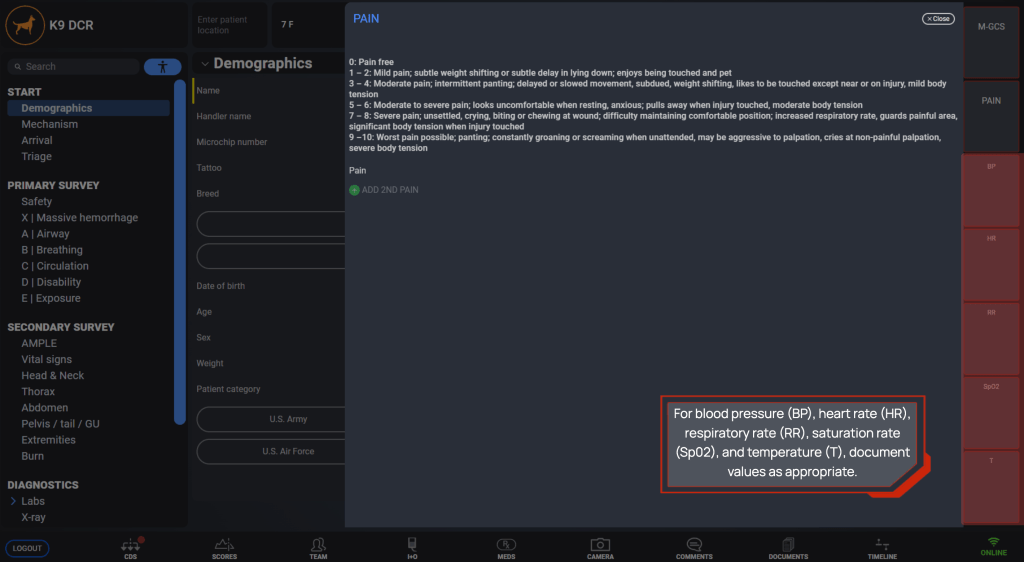
Callout boxes reinforce important ideas, tips, or guidance as the narrator introduces them. They appear consistently in designated areas of the screen, such as the upper left or lower right, helping learners know where to look for emphasized information without adding unnecessary visual distraction.
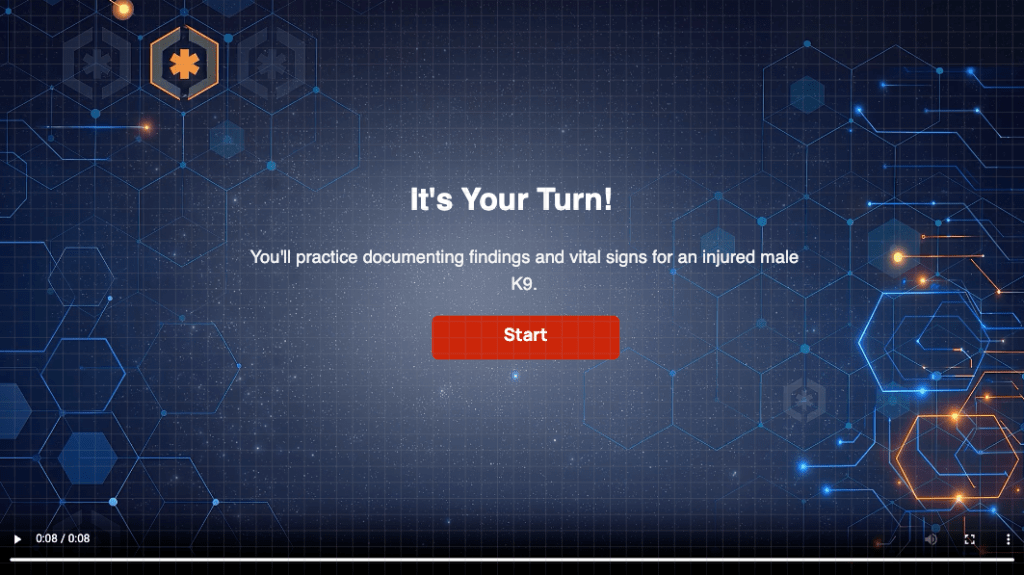
Each module concludes with a practical “Try Me” exercise in which learners complete a task within the software simulation. Learners can reference collapsible on-screen patient notes and receive limited narrator guidance, but must identify the correct actions independently; incorrect selections trigger hints that redirect them without immediately providing the answer.
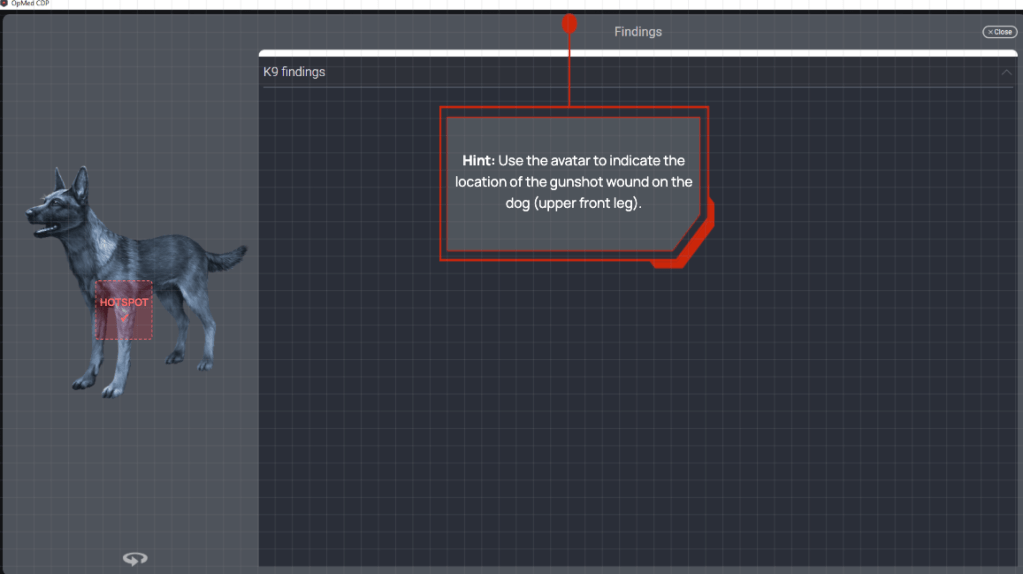
This Try Me screen asks learners to select the appropriate area of the dog’s body to continue the task. The hotspot is invisible during the exercise; if the learner selects an incorrect area, a hint appears at the top of the screen to provide additional guidance.
 Jane Nguyen